The role of a UI UX Designer has never been more exciting—or more complex. With AI evolving at lightning speed, design teams are no longer spending hours creating wireframes, testing layouts, or generating content. Instead, they’re using AI-powered tools to speed up workflows, refine user interface design, and improve overall user experience design.
In 2025, knowing the right AI tools isn’t just a nice-to-have—it’s essential. From brainstorming sitemaps to creating motion graphics, these 13 tools will help UI and UX designers deliver better, faster, and more creative results.
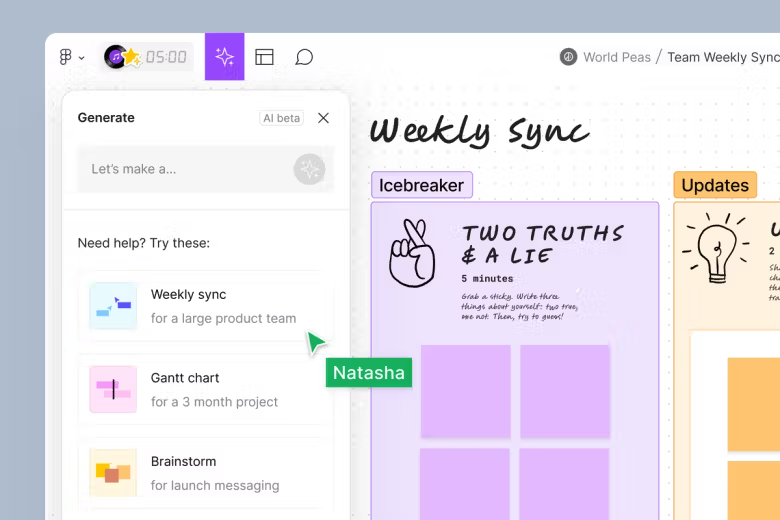
FigJam AI makes collaboration simple. Designers can generate sitemaps, user flows, and charts with just a prompt. Perfect for workshops, client brainstorming sessions, or quick UI UX design explorations.
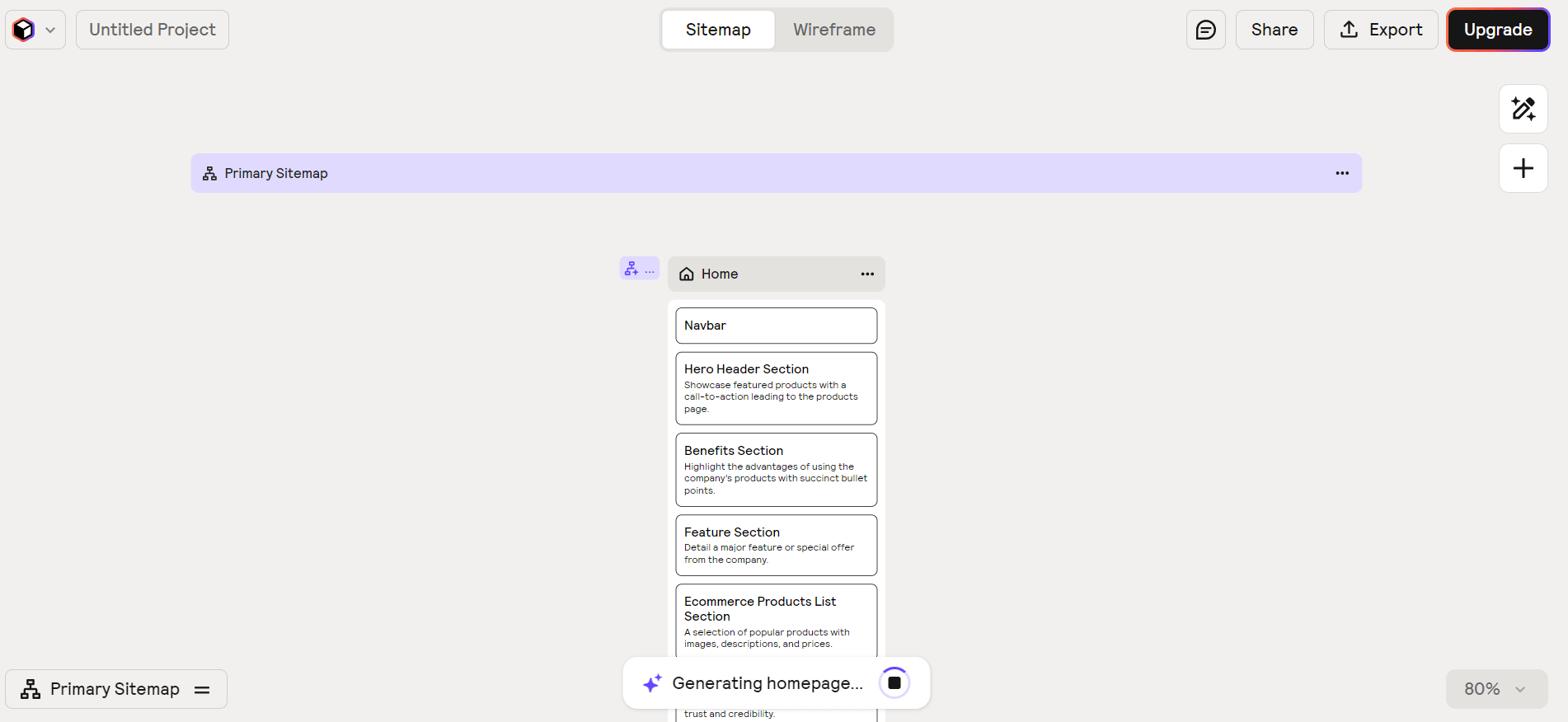
Relume lets you generate complete wireframes and sitemaps instantly. With a simple prompt, you get page layouts and placeholder copy you can refine. This is a huge time-saver for ux designer ui designer workflows.
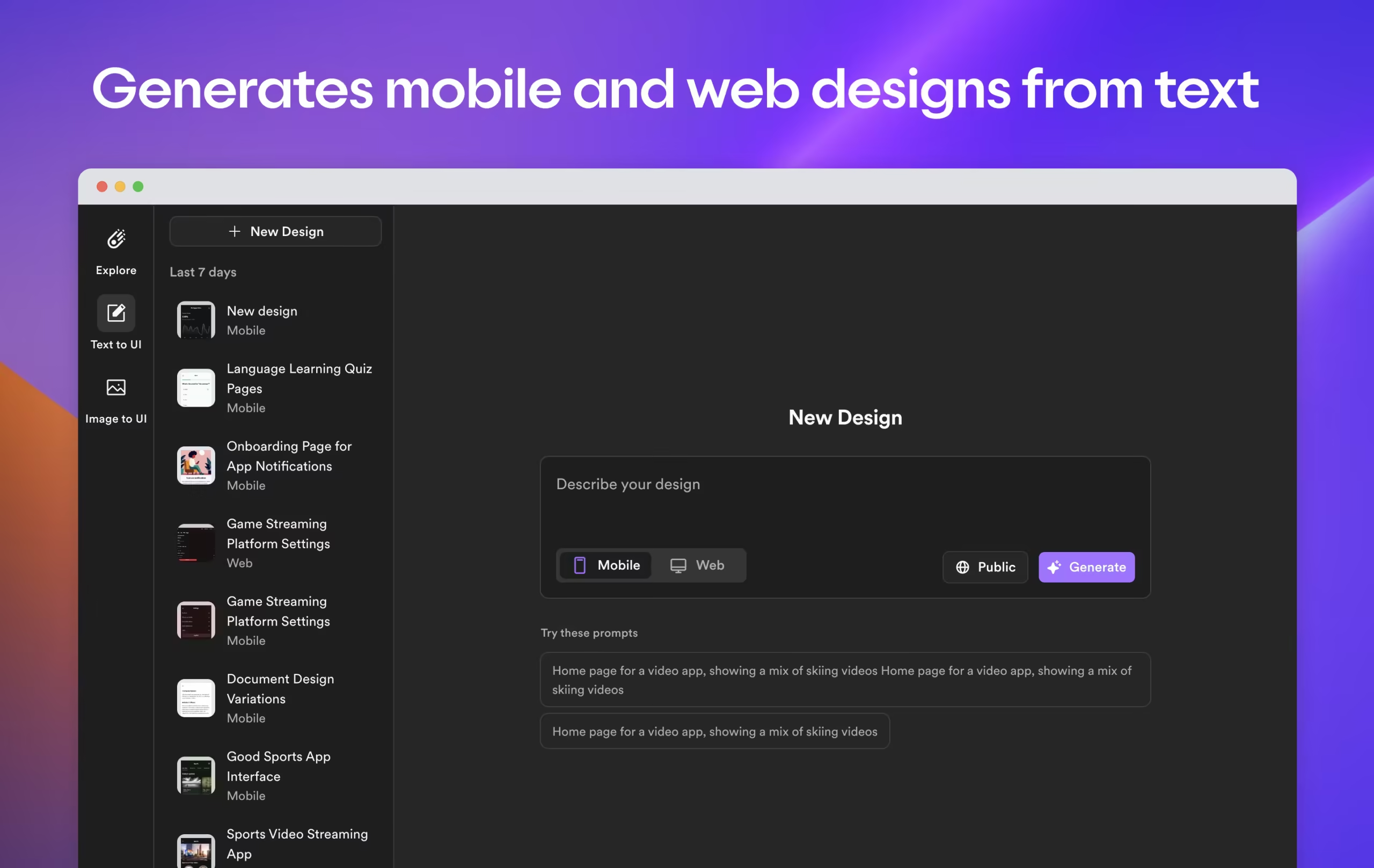
Imagine typing: “Profile page for a Japanese-inspired ceramics store with light orange theme” and instantly seeing a polished UI design. That’s Galileo AI. It helps transform ideas into screens that you can export to Figma.
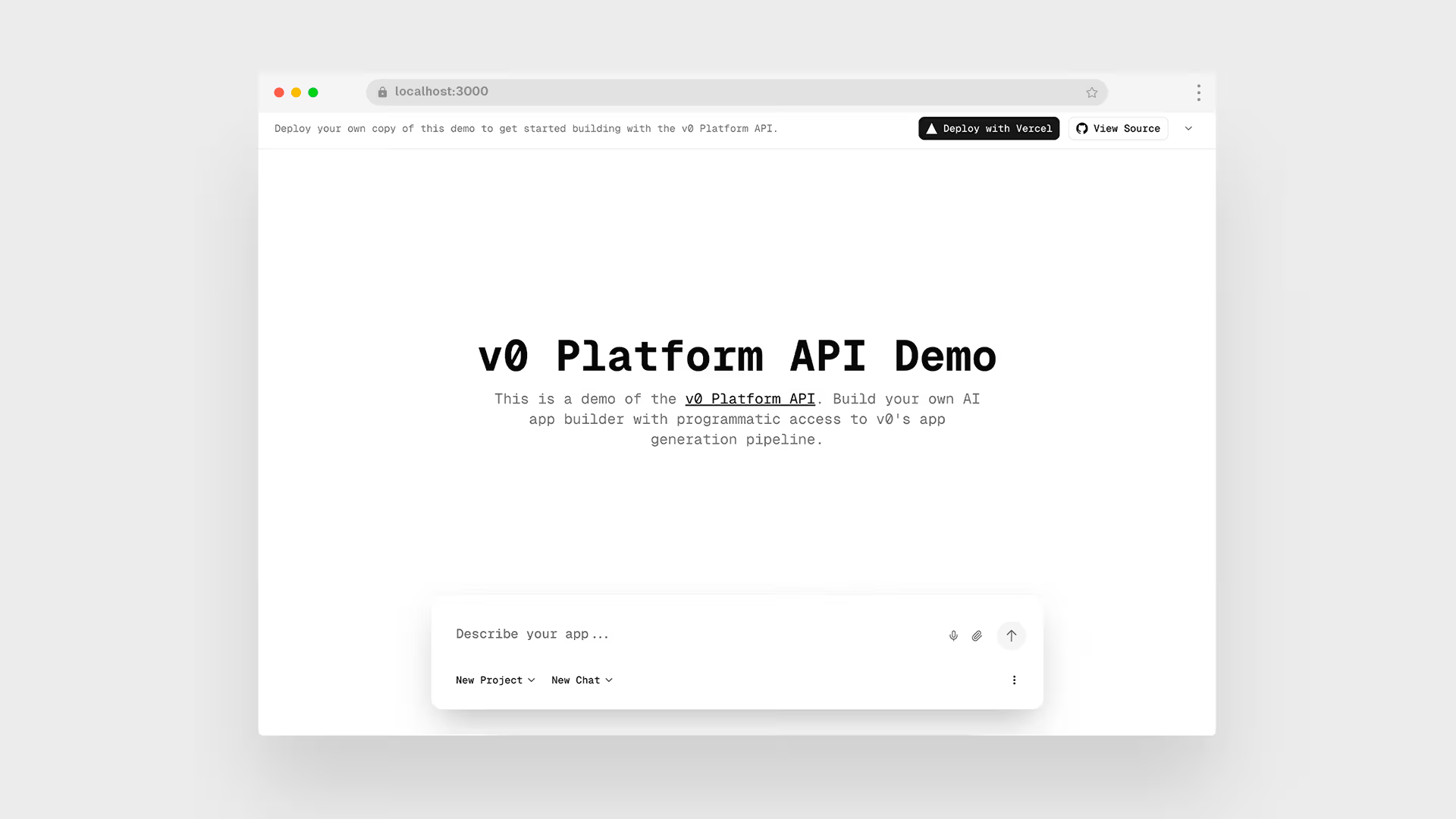
v0 is like ChatGPT for ui and ux design components. Provide a description and get production-ready code you can use in Framer or other platforms.
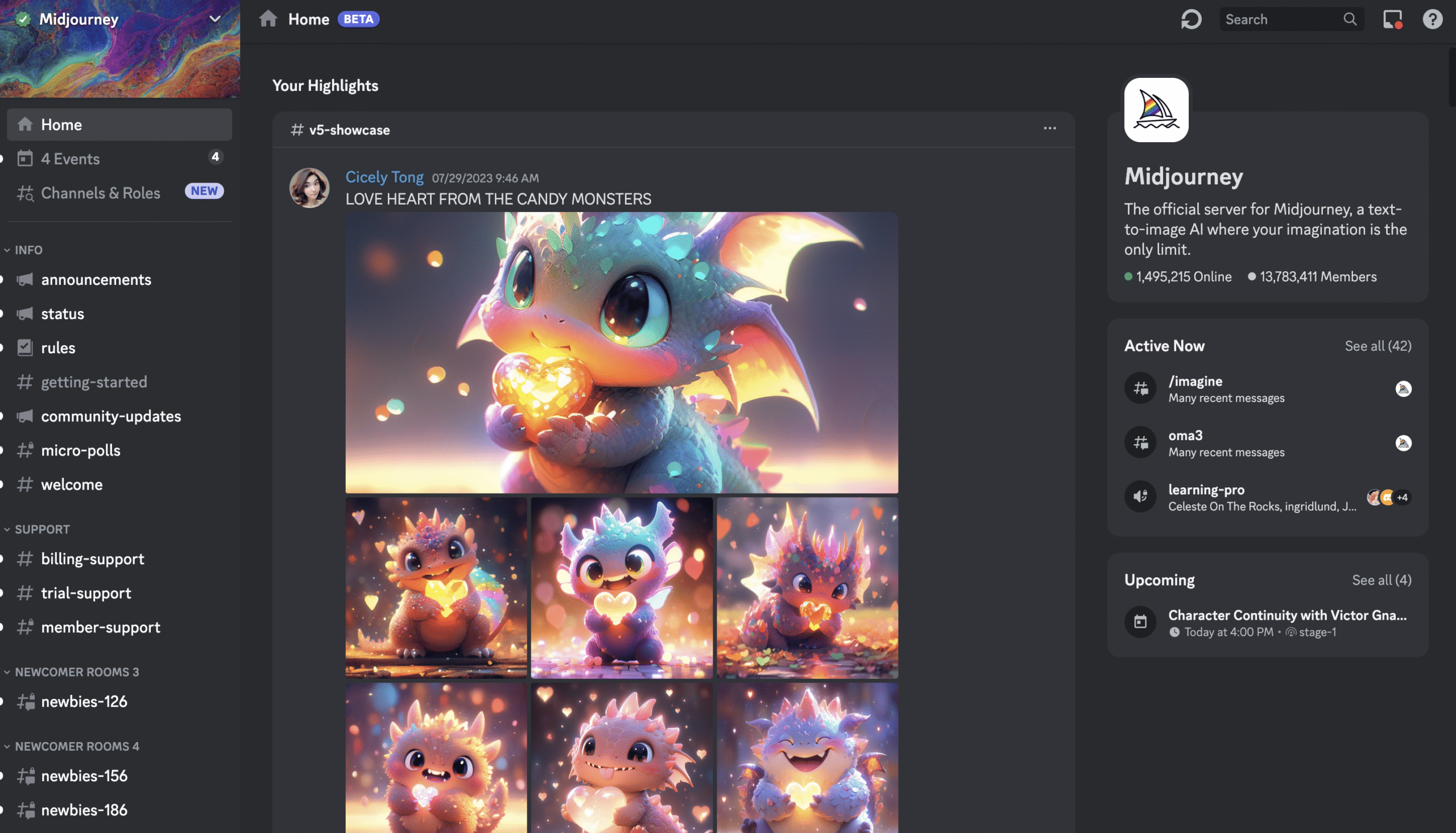
Stock photos are passé. With MidJourney, you can create custom visuals tailored to your brand’s style. Think product backdrops, hero images, and mood-setting illustrations for user interface design projects.
Runway turns static visuals into animations. Want a subtle background movement for your landing page? Upload an image, describe the animation, and Runway generates it.
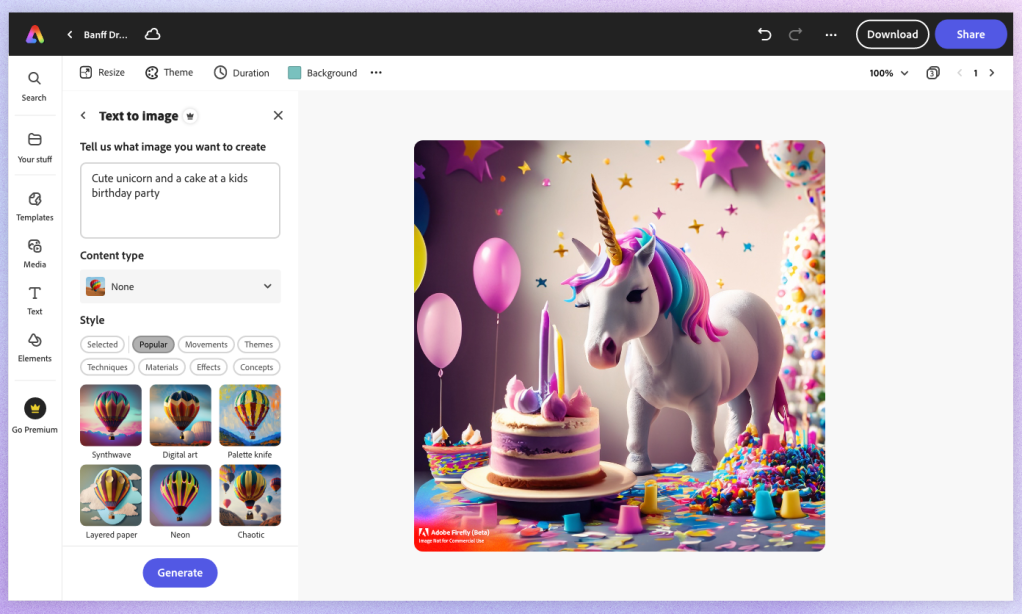
Adobe Firefly brings AI to everyday editing. Replace elements, change backgrounds, or enhance stock images—all with natural language prompts.
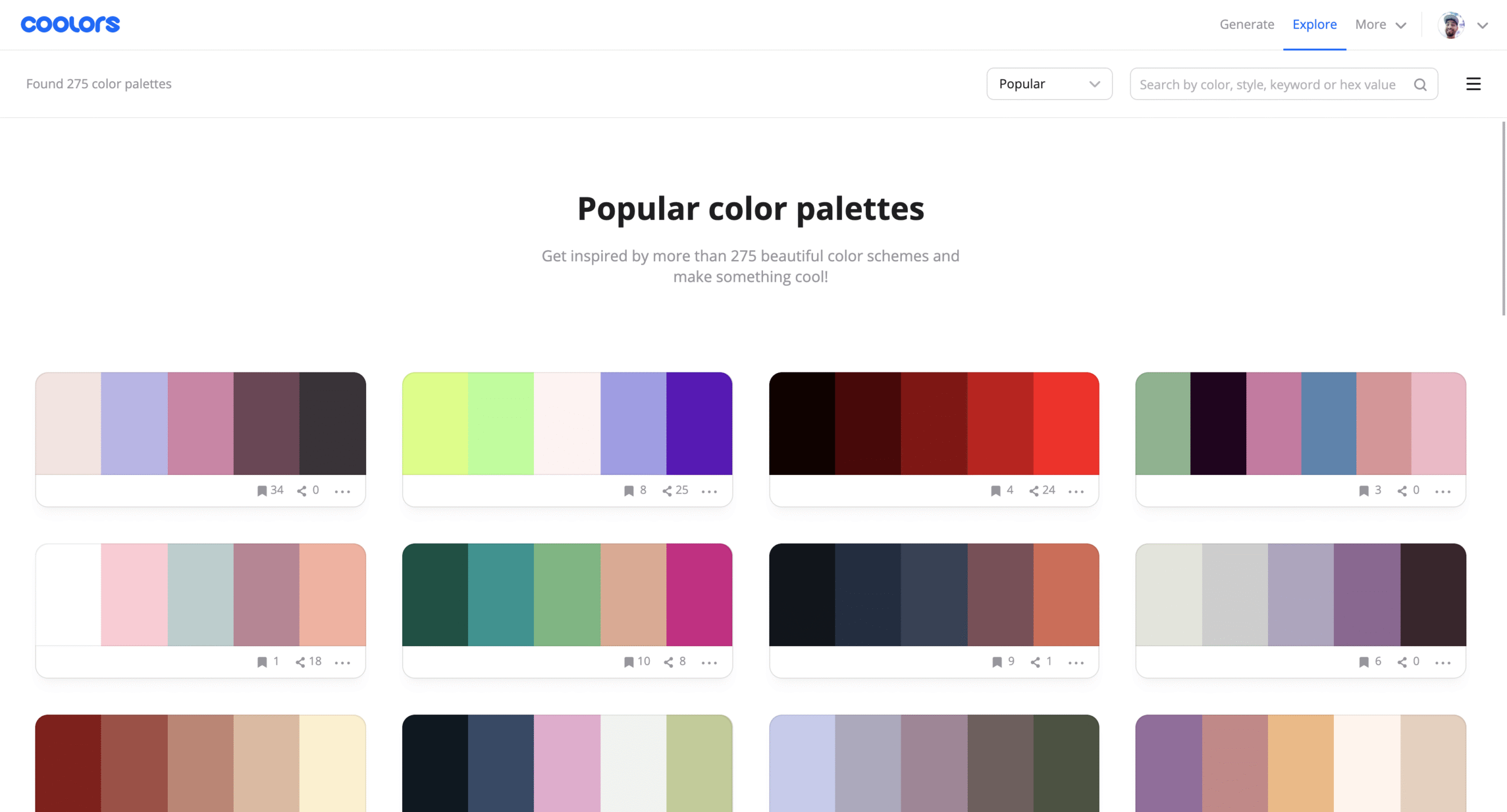
Colors can make or break user interface and user experience design. Coolors helps generate harmonious palettes and check accessibility contrast instantly.
Loom now goes beyond recording screens. Its AI generates transcripts, removes silences, and even creates meeting notes. Perfect for ux design ui design project updates.
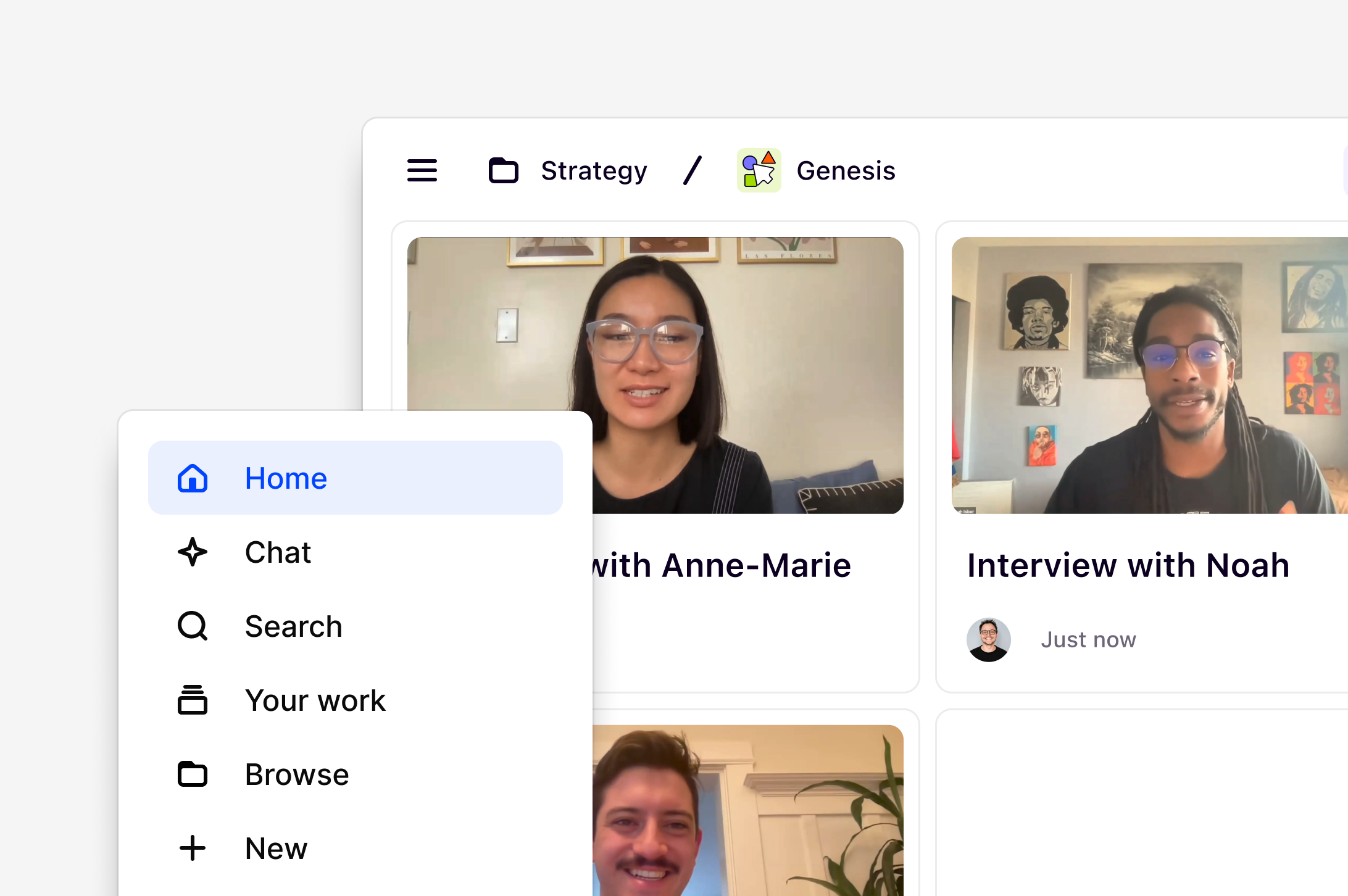
Dovetail helps user experience designers analyze customer interviews, usability tests, and survey feedback. It automatically highlights key insights and clusters results.
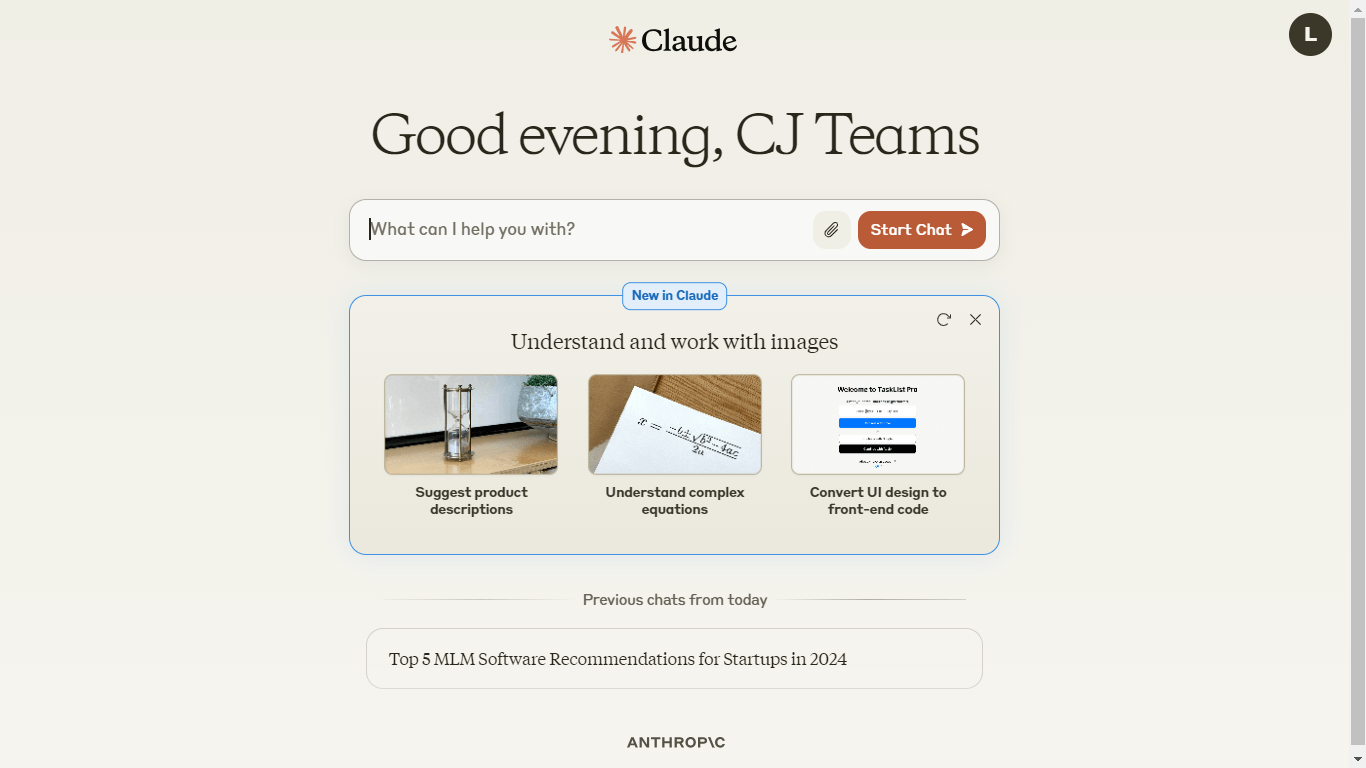
Claude isn’t just a chatbot. It helps designers draft copy, analyze design feedback, and even handle transcripts from client calls. A must-have productivity partner for UI UX Designers.
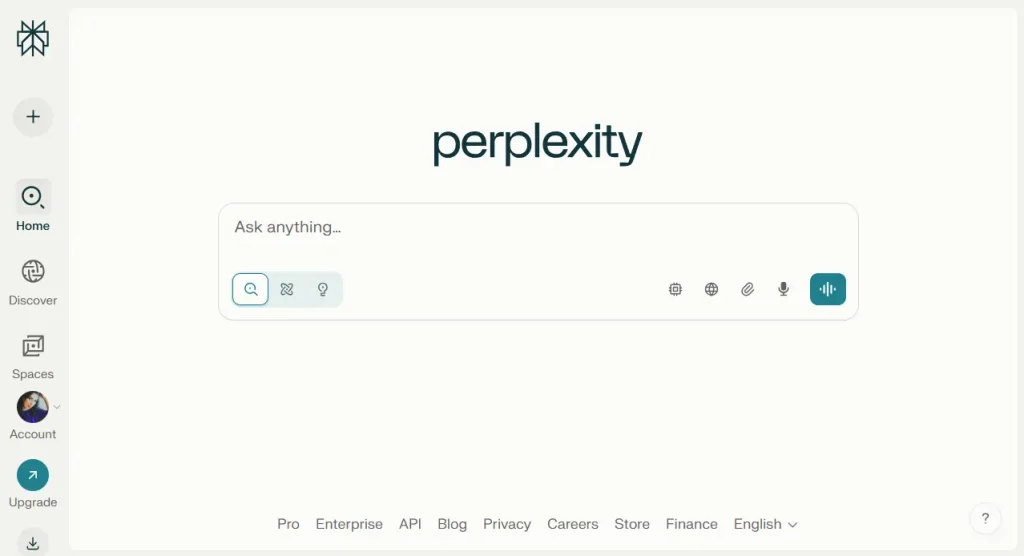
Perplexity is an AI-powered search engine. It helps you find answers with sources—great for data-driven design decisions and competitor analysis.
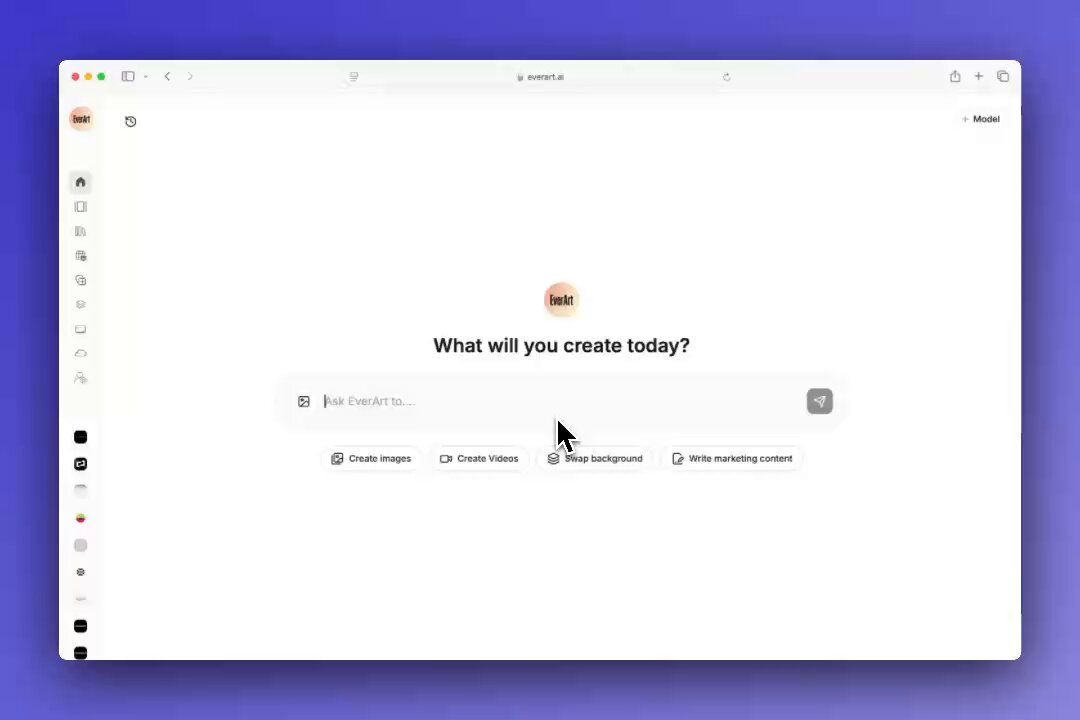
EverArt is a hidden gem. Upload your product image, and it generates professional backgrounds—perfect for mockups or e-commerce designs.
Conclusion
For every UI UX Designer, 2025 is the year AI becomes your co-pilot. From tools like FigJam AI for collaboration to Perplexity for research, these platforms help improve user interface and user experience design while saving time.
The future of ui ux design isn’t about replacing designers—it’s about giving them superpowers. With these 13 AI tools, you can focus less on repetitive tasks and more on creating delightful UI UX experiences that truly connect with users.